Reference image
Upload an image with a visual direction worth preserving.
Describe a visual reference in the language AI image generators understand.
Convert an image to textPromptExtract is built for the moment when you know the look you want but need the words to reproduce or adapt it.
Upload an image with a visual direction worth preserving.
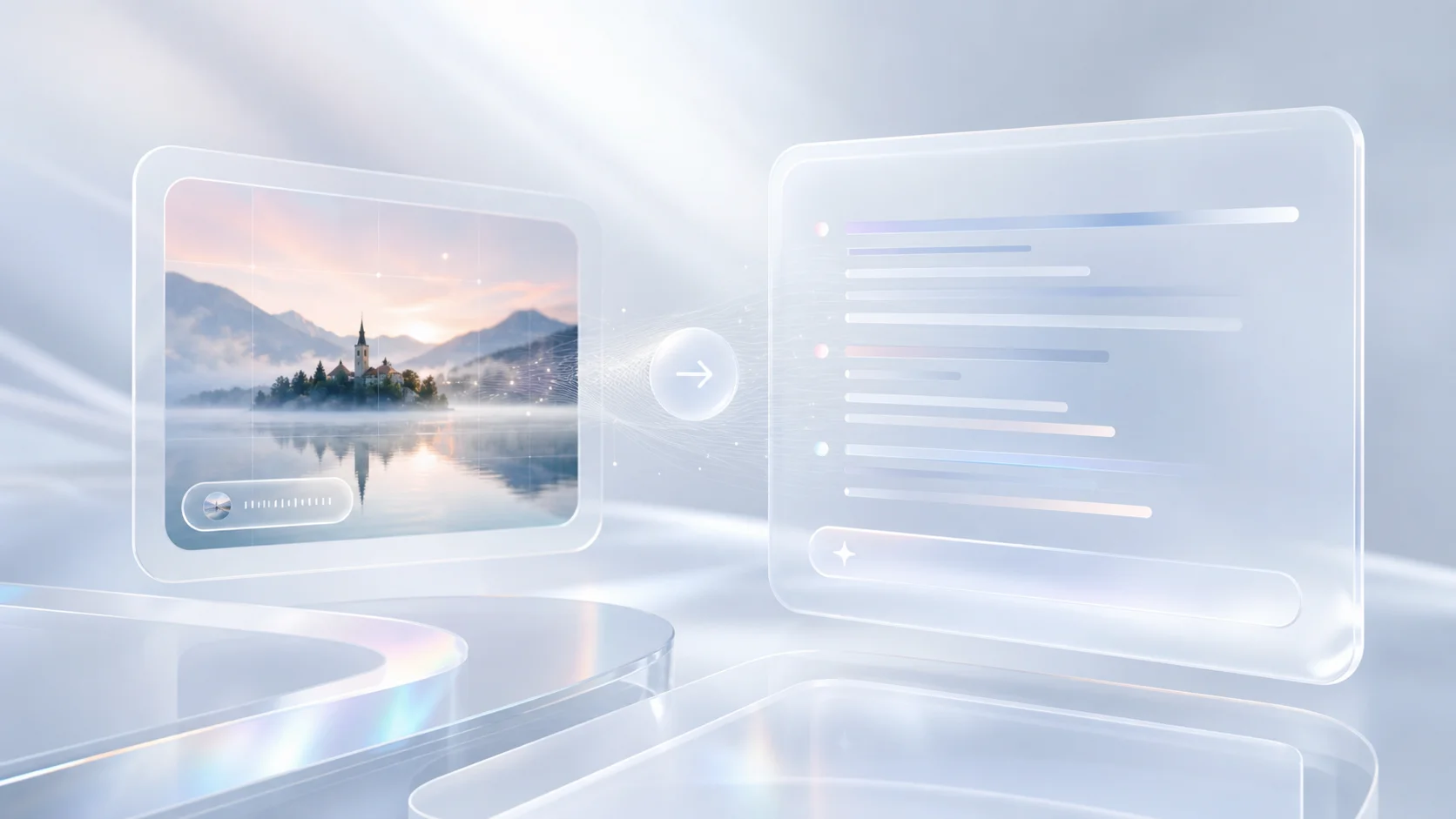
Identify the important choices instead of relying on one generic style label.
Get a descriptive starting point that can be adapted for different image models.
Precise image descriptions make it easier to reuse a visual direction, brief a collaborator, or test different image models without starting from an empty prompt field.
Name the crop, camera point of view, visual hierarchy, and negative space.
Carry forward light quality, palette, texture, and the emotional temperature of an image.
Use the description as a scaffold when replacing one object, character, or setting with another.
Turn the same visual reading into a compact prompt, a model-ready prompt, or a creative brief.
The source image does not dictate a single output. Choose the writing style that matches what you want to do next.