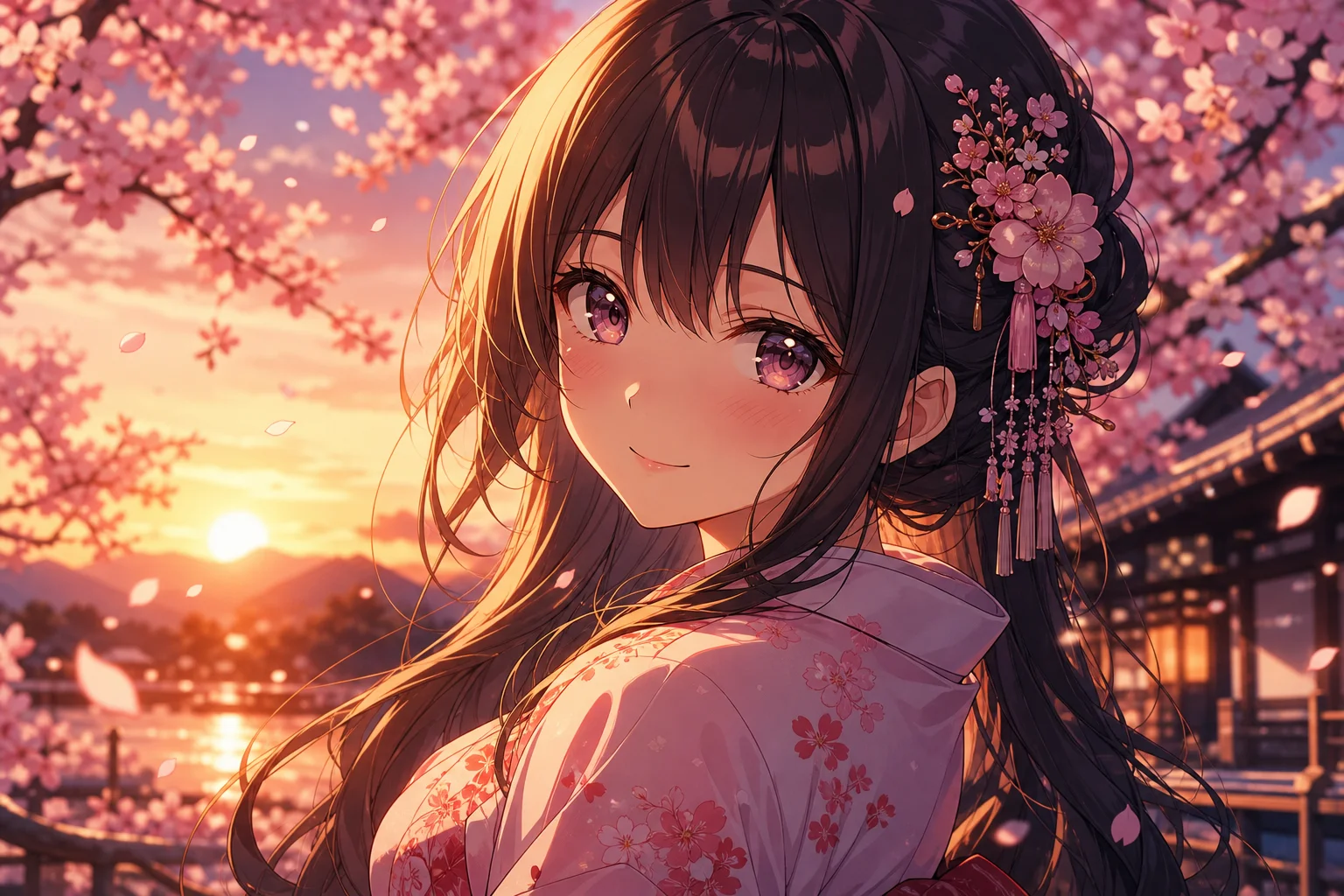
Read a prompt as a stack of decisions.
A prompt example is useful when you can explain why every part exists. Start by locating five layers: the subject, the scene, the frame, the light and color system, and the rendering language. Constraints come last because they only make sense after the desired image is clear.
What is present, what it is doing, and which attributes make it identifiable.
Shot size, viewpoint, placement, depth, crop, orientation, and negative space.
Source, direction, softness, contrast, reflection, and atmospheric behavior.
Medium, edge treatment, texture, palette behavior, and production context.
What must remain stable, what may vary, and what should be excluded.
If these categories are unfamiliar, begin with what a good image prompt should include and the image-to-text translation method.
Example 1: editorial product photography


What the phrases control
- “Translucent ribbed-glass vessel” identifies both form and the material behavior that lighting must reveal.
- “Low three-quarter camera angle” prevents a generic front elevation and exposes depth.
- “Generous negative space above” gives the frame an editorial layout rather than a catalog crop.
- “Without harsh specular glare” is a narrow constraint tied to a likely failure, not a generic negative list.
luxury glass vase, studio, professional, 8k
It explains what “luxury” looks like through material, empty space, light size, shadow behavior, and restrained color. Resolution language cannot provide those decisions.
Example 2: editorial character portrait
Portrait prompts often overdescribe identity while underdescribing the frame. A useful portrait specifies expression, camera distance, eye line, background separation, and how light shapes the face.
Shoulders and face point in different directions, creating tension without a dramatic action.
Chest-up and eye-level define the viewer’s relationship to the character.
Precise linework, restrained cel shading, and paper texture are compatible traits from one visual family.
For more vocabulary around visible style traits, use the image prompt style guide.
Example 3: a cinematic environment
Environment prompts need a route through the frame. Without a focal point and depth plan, a model may generate attractive architecture with no visual hierarchy.
- The figure is small because its main job is scale and narrative focus.
- Repeating frames and a distant opening create a legible depth route.
- The red accent is described relative to the cool field, not as an isolated color request.
- Haze separates planes; it is not added only as a mood adjective.
Describe relationships, not inventories. “Red against cyan-gray,” “figure centered inside repeating frames,” and “wet ground reflecting ambient light” are more useful than three disconnected lists.
Example 4: a production-ready mascot
Character design prompts should protect silhouette and repeatability. Material, proportions, and a small set of recognizable features matter more than a long costume inventory.
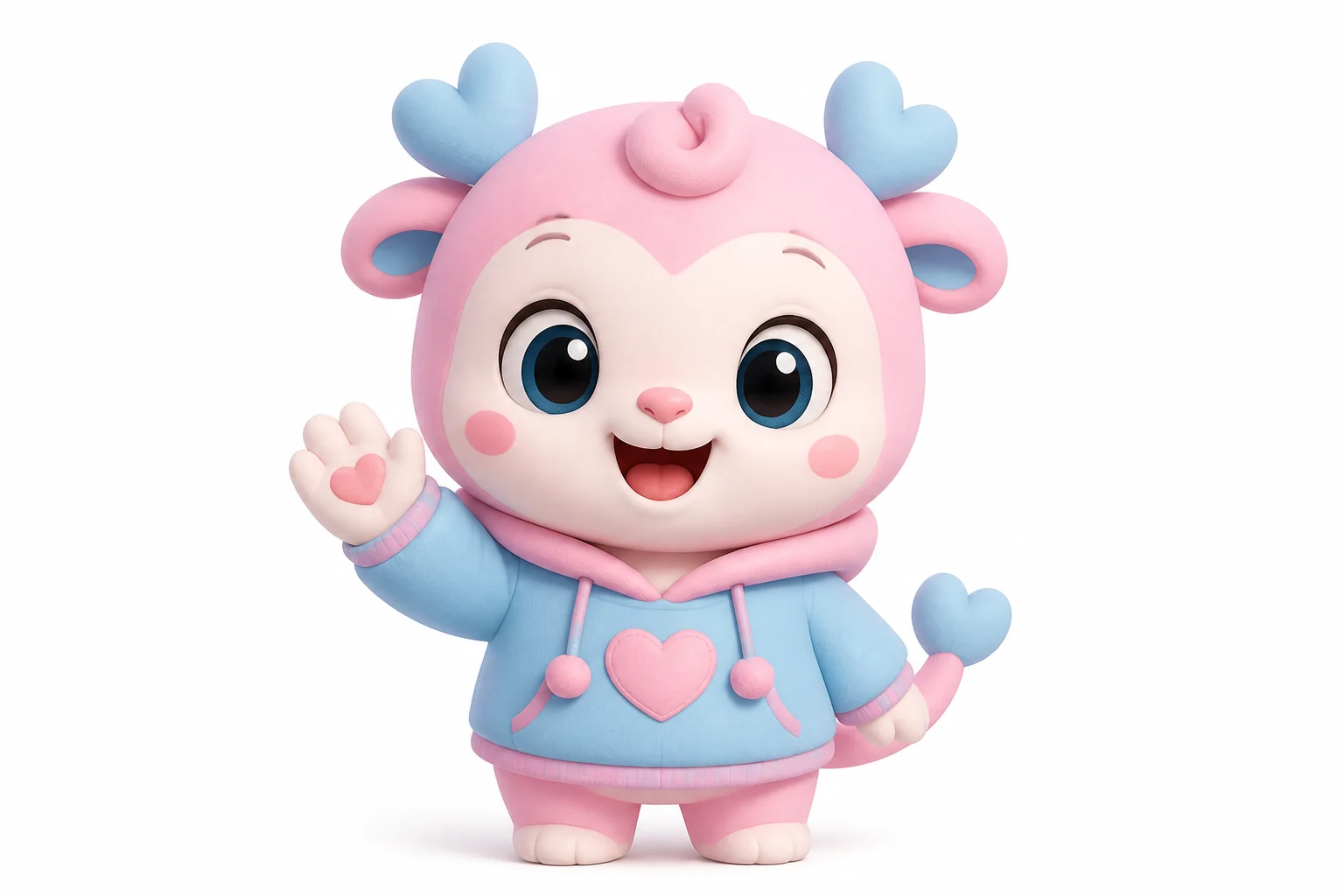
The fixed identity is short: seed-pod silhouette, moss-green and cream palette, oval eyes, leaf sprout, and compact proportions. Pose, camera, and environment can change while those traits remain stable.
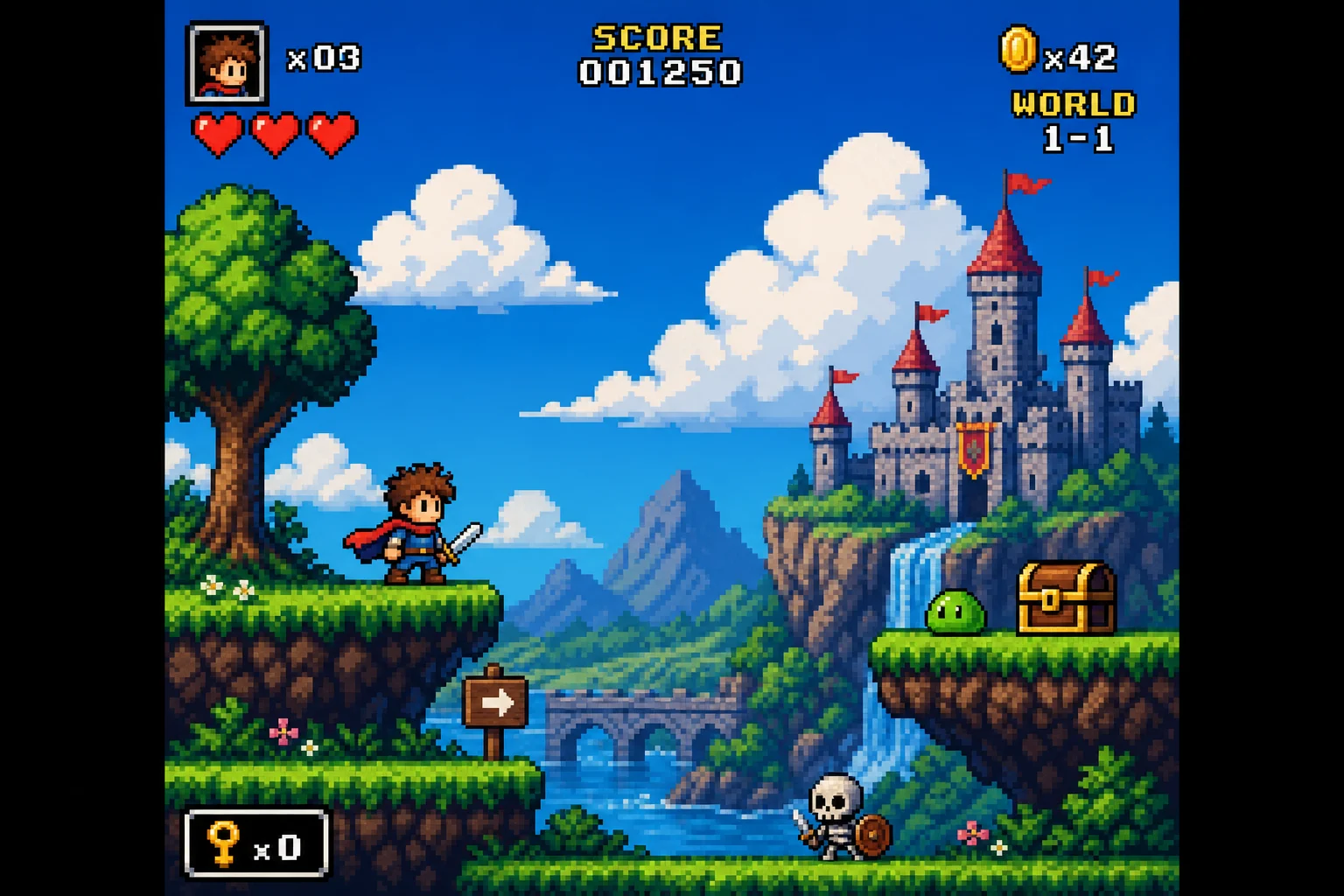
Example 5: pixel art with real constraints
“Pixel art” alone does not specify scale, palette, perspective, or animation context. State the visual limits that make the result behave like designed pixel art rather than a smooth illustration with a mosaic filter.
retro pixel art forest, cinematic, detailed
Canvas logic, sprite scale, palette limits, edge behavior, depth layers, focal contrast, and prohibited smoothing tell the model how the image should be constructed.
Adapt the structure, not the surface details.
To reuse an example, keep its decision pattern and replace the content. The product example can become a watch campaign by preserving the studio-light logic and editorial negative space. The corridor example can become a vehicle campaign by preserving the perspective and cool reflective environment.
- Underline the phrase that defines the subject.
- Mark the phrases that control composition and light.
- Keep the relationships that serve your new image.
- Replace style traits only when the new medium requires it.
- Remove constraints that address failures unique to the original example.
When working from a photograph rather than a written example, follow the dedicated photo-to-prompt workflow.
Use this checklist on any example.
- Can you identify what each phrase is expected to change?
- Do the camera cues agree with one another?
- Are lighting, palette, and material described as relationships?
- Does the style description use one coherent visual family?
- Are exclusions narrow and connected to likely failures?
- Can the prompt be edited without rewriting it from the beginning?
Use PromptExtract on your own image, then compare the draft against this checklist instead of accepting the first output unchanged.