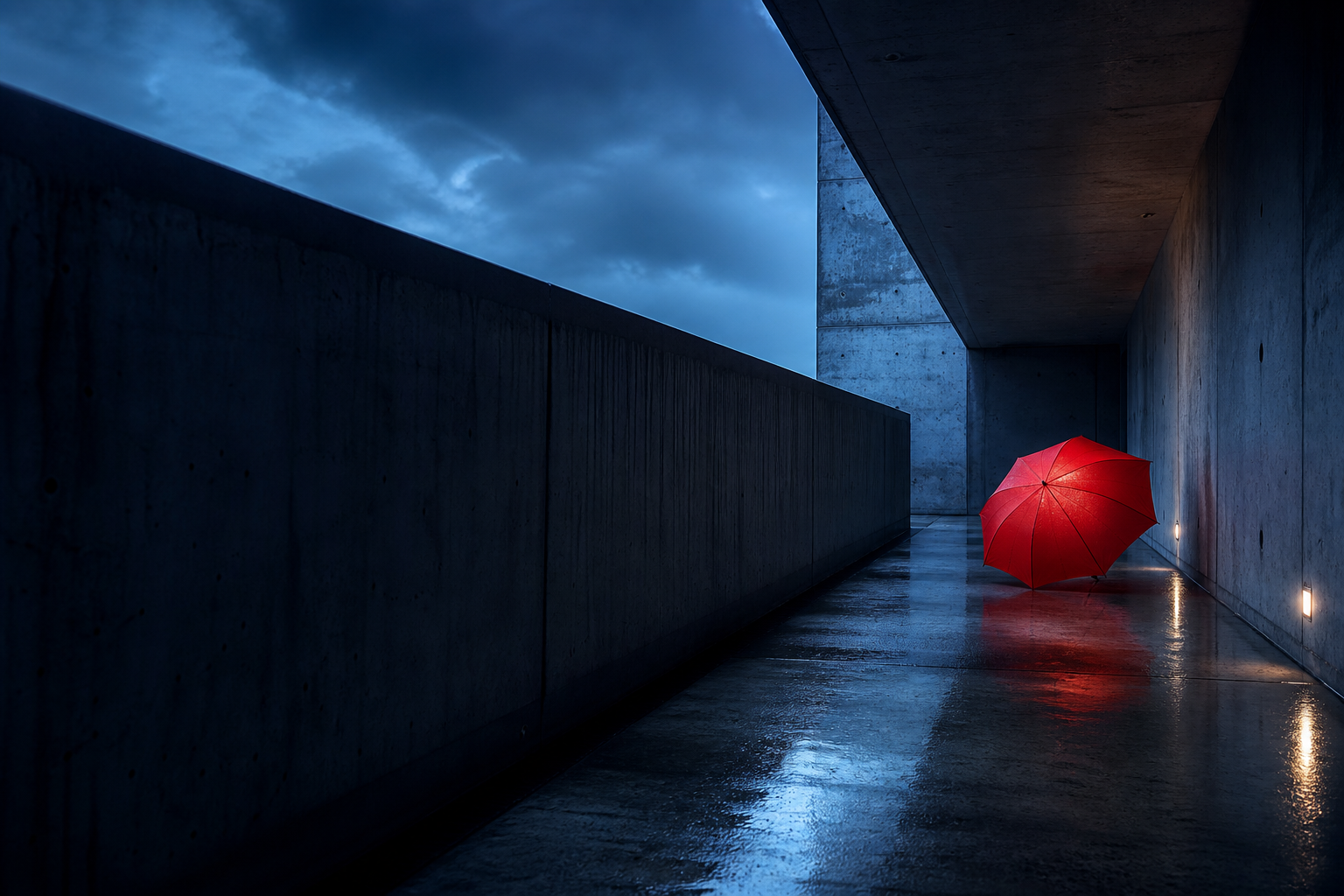
Choose what the reference is responsible for.
A reference image does not have one universal meaning. Before you write the prompt, decide which parts of the image should guide the result. This single decision prevents many contradictory prompts.
Content reference
Keep the subject, action, objects, or environment. Change the style or staging only if the prompt says so.
Composition reference
Borrow camera position, subject placement, depth, crop, and negative space while replacing the scene.
Style reference
Carry over medium, color behavior, texture, lighting character, and finish without copying the original content.
Element reference
Preserve one person, object, or design feature while allowing the rest of the image to change.
Midjourney provides separate reference features because these jobs are different. Its official documentation distinguishes image prompts, style references, and reference controls for specific subjects. Feature availability and syntax can change, so confirm the current interface before publishing a production workflow.
Read the reference as a set of visual systems.
Do not begin with “cinematic” or “beautiful.” Begin with evidence. For the corridor image above, the strongest information is structural: a centered vanishing point, repeating concrete frames, a low horizon, wet pavement, and a small figure that establishes scale.
- Subject: solitary figure, red umbrella, dark clothing, still posture.
- Environment: raw-concrete corridor, repeating rectangular openings, wet ground.
- Composition: symmetrical one-point perspective, centered subject, wide horizontal frame.
- Light: blue-hour ambient light, soft haze, no obvious hard key light.
- Color: cool cyan and gray field with one saturated red accent.
- Surface: rough concrete, thin water reflections, slight atmospheric diffusion.
If you need help making this translation, use the model-neutral image-to-text prompt method before adding Midjourney controls.
Keep description and controls separate.
A readable Midjourney prompt has two layers. The first layer describes the desired image. The second applies technical controls. When they are mixed together, it becomes difficult to understand which phrase caused a change.
solitary figure holding a vivid red umbrella
monumental raw-concrete corridor with wet pavement
centered one-point perspective, low eye-level camera, wide composition
blue-hour ambient light, soft haze, subtle reflections
realistic cinematic photograph, restrained contrast, tactile concrete
aspect ratio or other current parameters placed at the end
The broader image prompt format guide explains how to decide which fields belong in the description and which can be omitted.
Write a base prompt before you add the reference.
A base prompt acts as a statement of intent. It tells you what should happen even if the reference fails to influence the output. This makes troubleshooting much easier.
make this image cinematic, detailed, moody, same composition, high quality
cinematic architectural photograph of a solitary figure holding a vivid red umbrella in a monumental raw-concrete corridor, symmetrical one-point perspective, low eye-level camera, wet pavement reflecting cool blue-hour light, repeating openings fading into mist, restrained cyan-gray palette with one red accent, realistic surface detail, quiet suspense --ar 16:9
Reuse the composition with a different subject
The second prompt borrows the corridor’s spatial logic but replaces the person and narrative. This is more controlled than asking to make “the same image with a car” because it names the features that should survive.
Reuse the style without the composition
Here the framing is allowed to change. Only the light, palette, texture, and emotional finish travel from the source.
Use parameters to constrain, not to replace, the prompt.
Parameters are valuable when they control a dimension that prose handles poorly or inconsistently. They are not a substitute for describing the image.
- Aspect ratio: choose it from the desired composition, not automatically from the source image. A wide corridor and a vertical portrait need different spatial plans.
- Stylization: increase it when you want Midjourney’s aesthetic interpretation to play a larger role; reduce it when the written visual plan should dominate. Check the current Stylize documentation for supported controls.
- Negative controls: use them for clear exclusions, not as a long list of fears. A concise exclusion is easier to diagnose.
- Version and mode: save version-specific settings with the output. Default model behavior changes, and the same prompt may not reproduce the same balance later.
Change one control at a time. If you replace the subject, change the aspect ratio, raise stylization, and swap the reference together, you will not know which decision improved or damaged the result.
Iterate by visual category.
Compare the generated image with the reference role you chose. Then revise the category that failed rather than rewriting everything.
Wrong composition
Strengthen shot size, viewpoint, subject placement, symmetry, and negative space. Remove style phrases that compete for attention.
Wrong atmosphere
Clarify time of day, light direction, shadow softness, haze, palette, and contrast relationships.
Wrong subject
Move identity-defining attributes earlier. Separate fixed attributes from optional styling or accessories.
Too literal
Reduce content dependence and describe only the composition or style system you intended to borrow.
For more complete prompt comparisons, use the annotated AI image prompt examples.
Avoid three reference-image mistakes.
- Do not assume the reference explains your intent. Write a useful base prompt even when an image is attached.
- Do not ask one reference to control everything. Decide whether content, composition, style, or one element matters most.
- Do not preserve accidental artifacts. Compression, awkward crops, stray text, and clutter may be present without being part of the desired design.